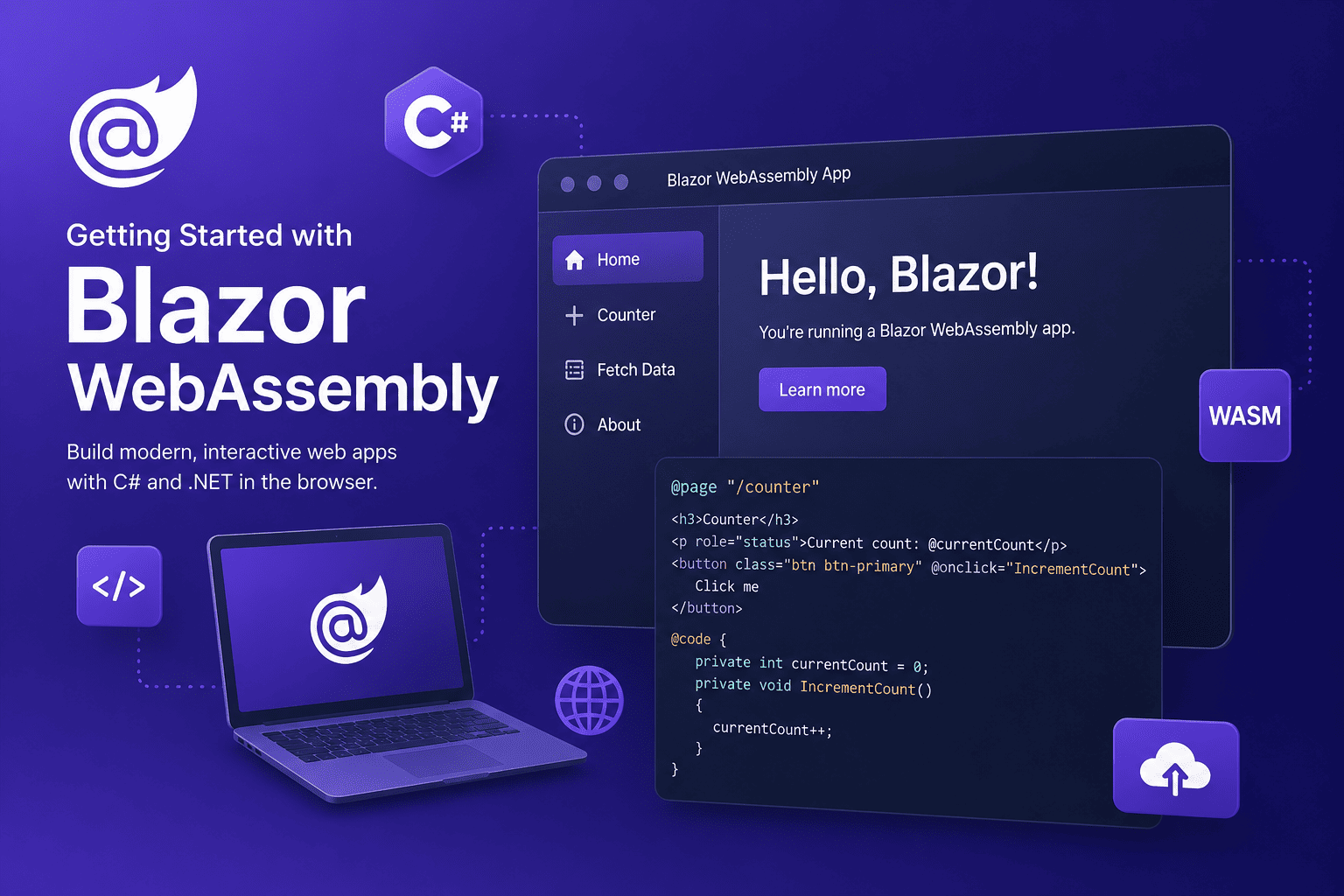
Blazor WebAssembly lets developers build interactive browser applications with C#, Razor components, and the .NET runtime. Application assemblies run in the browser's WebAssembly environment while standard web APIs handle networking, storage, and other browser capabilities.
How it works
The browser downloads the application, its dependencies, and a WebAssembly-compatible .NET runtime. After startup, components render and respond to events on the client. This model can reduce server interaction for rich interfaces, but the initial download and client device capabilities must be considered carefully.
Create a project
dotnet new blazorwasm -n MyBlazorApp
cd MyBlazorApp
dotnet run
The generated application includes routing, a root component, dependency injection, static assets, and a development server. Start by understanding that structure before adding third-party libraries.
Build a component
A Razor component combines markup with C# state and event handling:
@page "/counter"

<h1>Counter</h1>
<p>Current count: @currentCount</p>
<button @onclick="Increment">Increase</button>

@code {
    private int currentCount;

    private void Increment() => currentCount++;
}
Call an API
Blazor WebAssembly commonly communicates with an ASP.NET Core API through HttpClient.
Keep network models explicit, handle loading and failure states, and remember that client-side code
cannot safely hold secrets.
var products = await Http.GetFromJsonAsync<List<Product>>(
    "api/products");
Choose the hosting model deliberately
Client-side WebAssembly is a good fit for dashboards, portals, and applications that benefit from substantial browser-side interaction. Content-heavy public sites may benefit more from server rendering because it improves initial delivery and reduces the amount of client code required.
- Measure initial download size and startup time.
- Lazy-load features that are not required immediately.
- Authorize every sensitive operation on the server.
- Keep components small and move business rules into testable services.
- Design useful loading, empty, offline, and error states.
Deployment
A standalone Blazor WebAssembly application produces static files that can be hosted by a web server, object storage, or a CDN. Configure correct MIME types, compression, caching, fallback routing, and a safe cache-invalidation strategy for new releases.
Conclusion
Blazor WebAssembly gives .NET teams a productive path to rich browser applications. It is strongest when selected for the right interaction model and supported by careful API security, performance measurement, and component architecture.